This product is compatible with the MacBook Air 2025. Could you please check if you’ve manually switched the sound output to USB by going to System Settings > Sound > Output?
1
/
su
9
J&D
USB-C to 6.35mm 1/4" TS Guitar Cable, Instrument Recording
SKU:
USB-C to 6.35mm 1/4" TS Guitar Cable, Instrument Recording
1 review
Prezzo di listino
€14,95 EUR
Prezzo di listino
Prezzo scontato
€14,95 EUR
Prezzo unitario
/
per
Tax-FREE for all U.S. orders except New York.
NY Tax-Exempt organization? Contact us.
Impossibile caricare la disponibilità di ritiro
About this item
- USB-C to 1/4" Instrument Recording: designed to connect guitars, bass guitars, keyboards, digital pianos, and other instruments with a 6.35mm (1/4 inch) jack directly to compatible USB-C devices for audio recording.
- One-Way Audio Signal Transmission: the cable supports audio transmission only from the 6.35mm instrument end to the USB-C device. It is designed for recording instrument audio and does not support USB-C to 6.35mm reverse signal transmission.
- Wide Instrument Compatibility: compatible with instruments featuring a standard 6.35mm jack, including Yamaha and Casio keyboards, Roland keyboards, electronic keyboards, digital pianos, bass guitars, and electric or regular guitars. The USB-C end works with compatible computers, tablets, smartphones, and other USB-C devices.
- Hi-Fi Recording Performance: built with high-purity oxygen-free copper, multiple shielding, and gold-plated connectors to support stable audio transmission and help reduce interference and signal loss, making it suitable for recording played instruments.
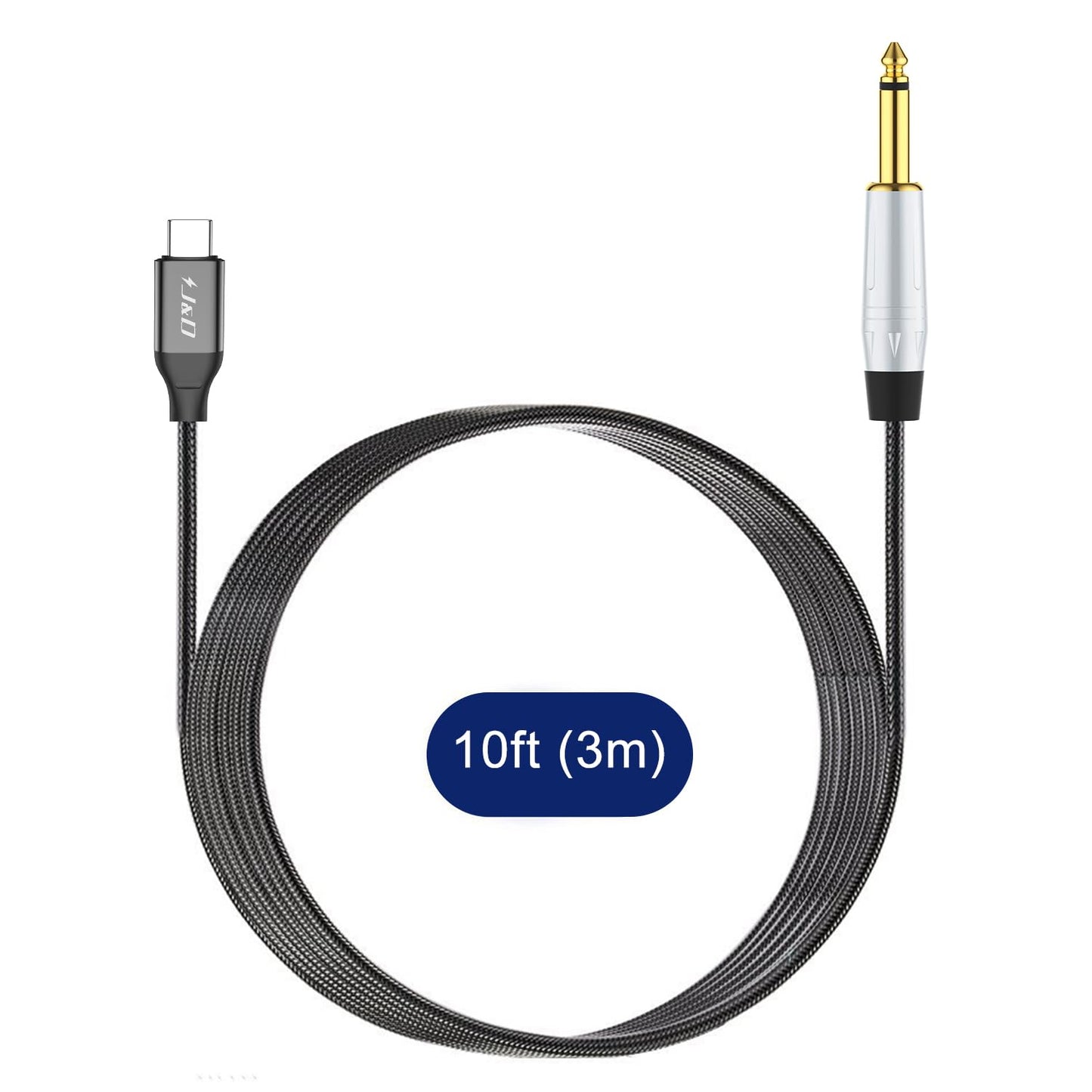
- 6.6ft Nylon-Braided Construction: the 6.6-foot (2m) cable provides convenient reach for desktop, studio, and mobile recording setups. A durable nylon braided jacket helps protect against scratches and abrasion while maintaining flexibility. For computer recording, set the computer's audio input to microphone/input. Backed by a J&D 1-year limited warranty.
Share
Free Shipping on Qualifying Orders
Enjoy free shipping on qualifying orders. Shipping rates and delivery times vary by destination and order value.
30-Day Hassle-Free Returns
Return eligible items within 30 days for a refund or exchange. Please see our Return Policy for complete details.
10-Day Price Protection
If the price of your purchased item is reduced on the J&D Tech website within 10 days of your order, contact our customer support team and we'll refund the difference according to our Price Adjustment Policy.
Built for Reliable Connections
Engineered for stable connectivity, consistent performance, and long-lasting durability across your audio, video, and networking devices.
Dedicated Customer Support
Have questions before or after your purchase? Contact us at support@jndtek.com. Our support team is ready to assist with product selection, compatibility, and after-sales service.
Secure Checkout
Secure Checkout
Shop with confidence. Your personal and payment information is protected using industry-standard SSL encryption and trusted payment providers.

Add To Cart
Questions & Answers
Have a Question?
-
why doesn't this work with MacBook Air 2025 ?
Dear neil walks,
Thanks for your question!
Best Regards,
J&D Tech Team -
Hello, I just received the USB-C audio recording cable yesterday from Amazon (Model no. JD000682) and connected the 6.35mm jack to the headphone out of my Roland digital piano and the USB-C jack to my iPhone 16. When I then record my playing via the audio recorder app on the iPhone the sound is very scratchy and seems to overtune/clip. I also tried the 6.35mm Line out of my piano with the same result. Any suggestions what could be the issue? Did I choose the wrong cable? Thanks and Best, Lars.
Hi Lars,
Thank you for your detailed message!The issue you're experiencing is likely caused by a level mismatch between the Roland digital piano's output and the iPhone's USB-C input, resulting in clipping/distortion during recording.
Here are some steps you can try:
Check your Roland piano's output settings – If available, go to the settings menu (e.g., "Line Out Level") and reduce the output level to around 50%. This helps prevent overloading the iPhone input.
Use a professional recording app – Instead of the default voice recorder (which has limited input control), we recommend using an app like GarageBand. In the app settings, enable input gain control and reduce the input gain to lower the sensitivity and avoid clipping.
Cable compatibility – The cable model (JD000682) is suitable for line-level audio input, but proper level matching and app selection are key to clean recordings.
Let us know if you need help adjusting your setup further — we’re happy to assist!
Best Regards,
J&D Tech Team -
I have bought this and it works fine 50% of the time. The other 50% it is seen by my PC and software (Soundtrap) but sends no signal. I have tested this and the Guitar is not the problem. Is there a trick to settting it up that overcomes this glitch? Thanks
Dear Customer,
Thank you for your feedback!
First, ensure that the connection is secure. Try unplugging and plugging the cable back in or gently twisting it to check for any loose connections. If the issue persists, try switching the audio driver mode in Soundtrap (e.g., from ASIO to WASAPI or vice versa) to see if that resolves the issue.
Let us know how it goes!Best Regards,
J&D Tech Team -
Hi, Does this cable work to listen to my instrument if I plug the USB-C output into my headphones?
Dear Customer,
Thanks for your question!
This cable is designed to connect your instrument to a device with a USB-C input, such as a computer or tablet for recording or processing audio. It does not work in reverse, so plugging the USB-C end into your headphones will not allow you to listen to your instrument. Let us know if you need a recommendation for the right setup!
Best Regards,
J&D Tech Team
R
Richard Des Cormiers Work very good with garage band mac!